E-commerce with AI: your assistant inside the store
Give access to Claude, ChatGPT or any MCP-capable assistant; handle products, orders, reports and themes by talking.
AI Autopilot on Nitrify
AI Autopilot is on every plan, including Little. Your assistant only accesses your store's data and the endpoints you allow; the key is shown only once, when it is created. In stores using B2B, quotes and dealer work can also be handled by talking.
When panel work takes more time than selling
Time lost in the panel
Writing product descriptions, checking stock and moving between screens to read reports eats up the day of business owners and their teams.
Reading reports is a separate job
Making sense of order and sales data often takes a separate analytics tool or technical knowledge; daily decisions slow down.
AI disconnected from the panel
In most systems, AI only generates text. It can't connect to your store and take action; you still apply its suggestions in the panel by hand.
We connected your assistant directly to the panel
AI Autopilot
Give Claude, ChatGPT or any MCP-capable AI assistant permission to manage your store.
Management by conversation
Ask your assistant about your products, orders and reports, and have it take action. No hunting for the right screen.
Direct connection via MCP
The assistant connects to your panel through the Model Context Protocol (MCP). It isn't a disconnected suggestion tool, but a management layer connected to your store.
Content and themes
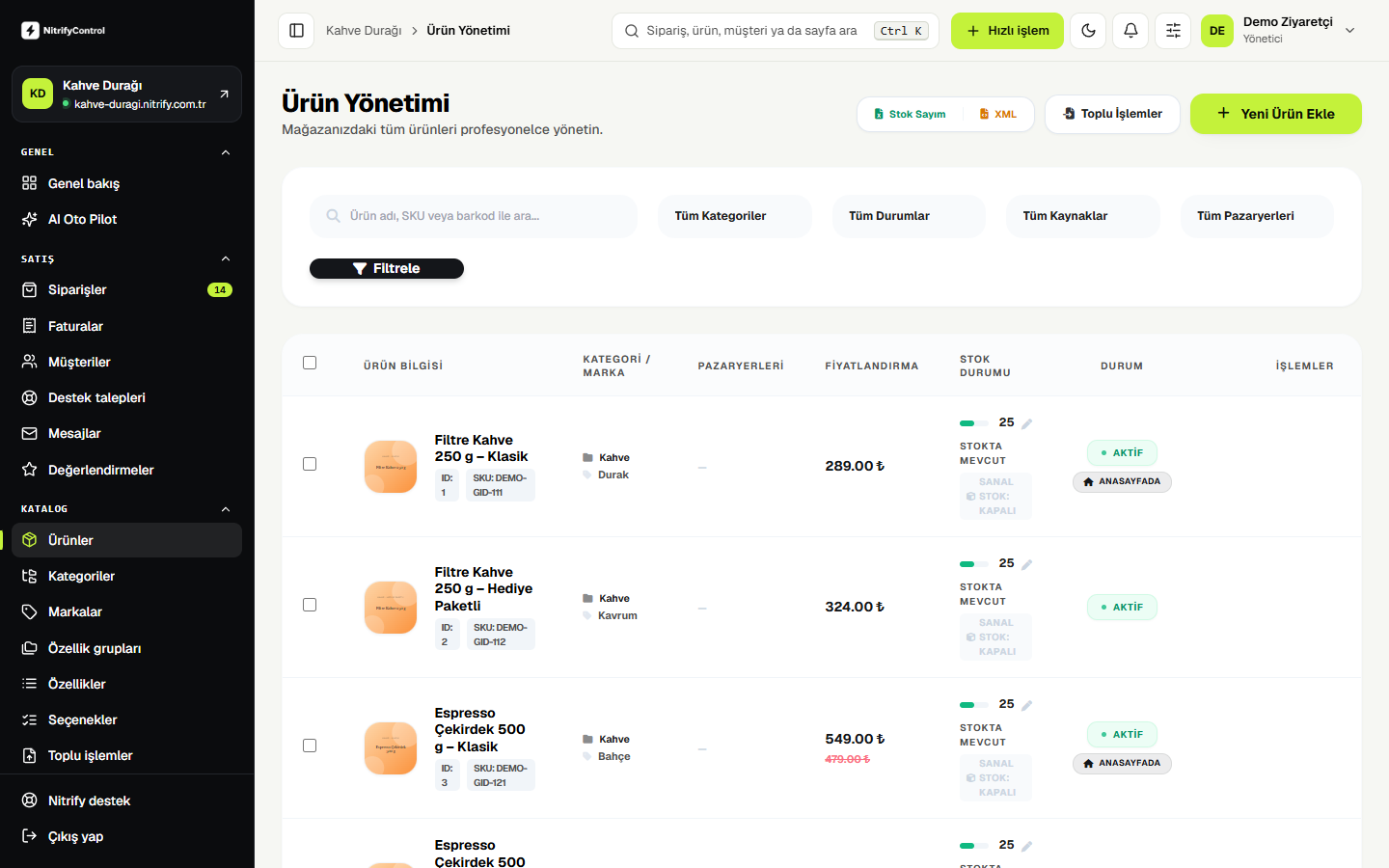
Generate product descriptions inside the panel; have it edit or refresh your storefront theme.
Product, order and report access
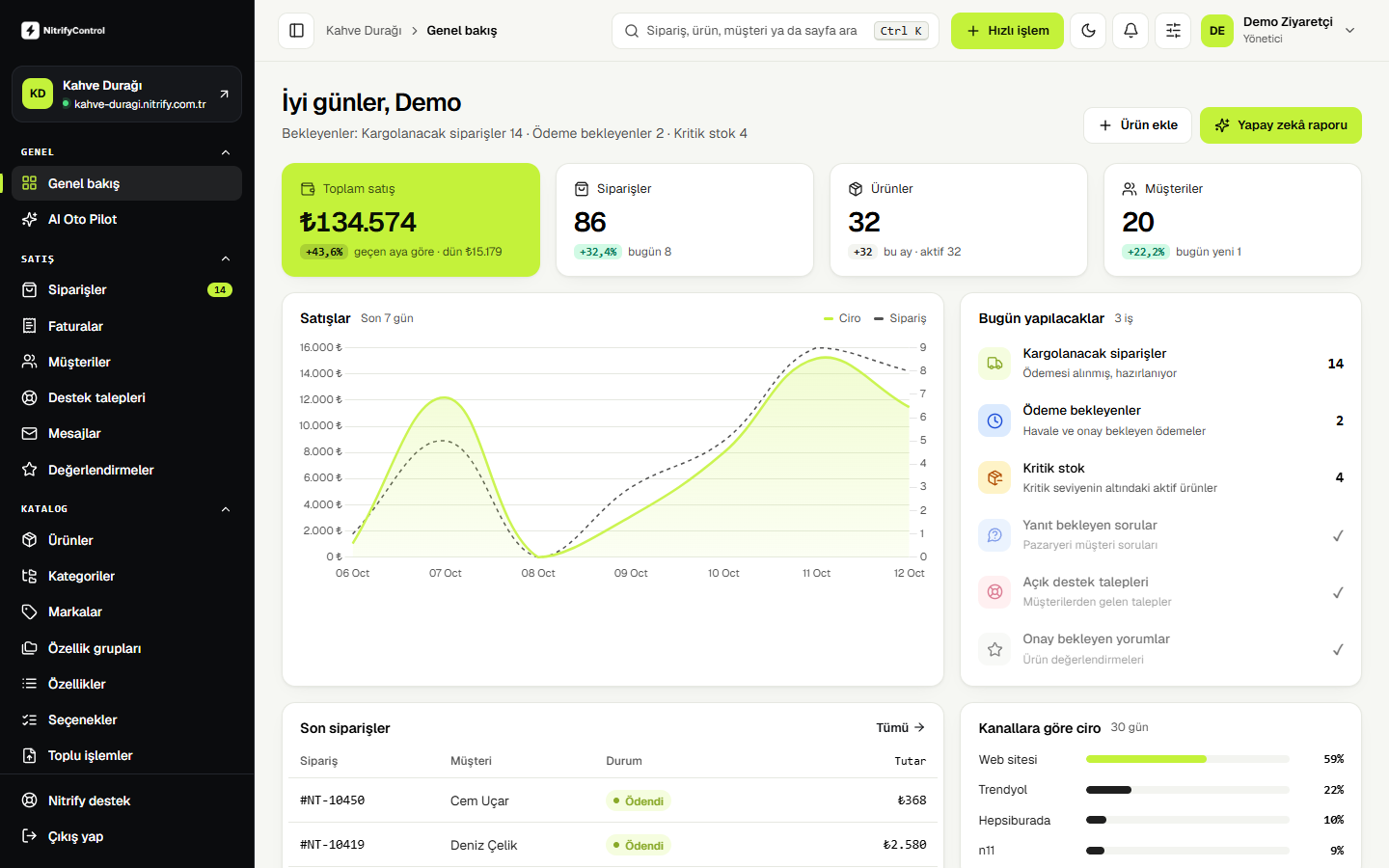
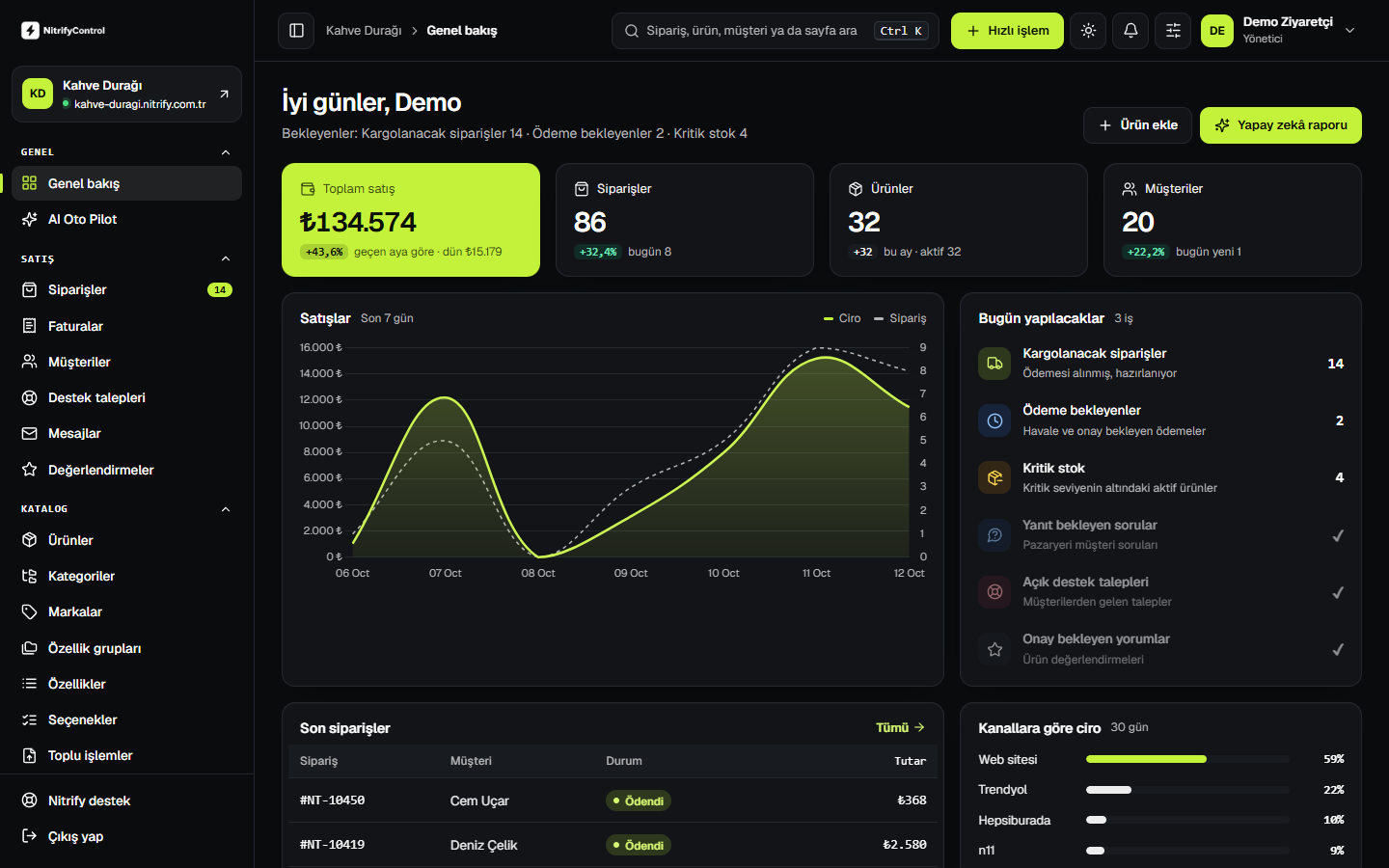
Your assistant accesses your product and order data and summarizes reports for you. One-click summaries with "Get AI Report" on the panel home screen.
Access stays under your control
You decide which assistant can access your panel. Two-factor authentication is standard for admin sign-in.
Write to your assistant like this
Once AI Autopilot is connected, you talk to your assistant about your store in plain language. The assistant answers using your store data or carries out the task.
- 01"List this week's top 10 best-selling products and their channels."
- 02"Show products with stock below 5."
- 03"Write descriptions for the newly added products."
- 04"Summarize yesterday's orders and separate the ones not yet shipped."
- 05"Update the homepage theme for the new campaign."
Theme edits and redesigns, by talking too
AI Autopilot works with code, not just data. You can have it edit your storefront theme or redesign it from scratch, without waiting for a developer, simply by telling your assistant what you want.
- 01"Refresh the campaign banner on the homepage for the new season."
- 02"Make the images bigger on the product page and move the description to the right."
- 03"Show the category page in two columns on mobile."
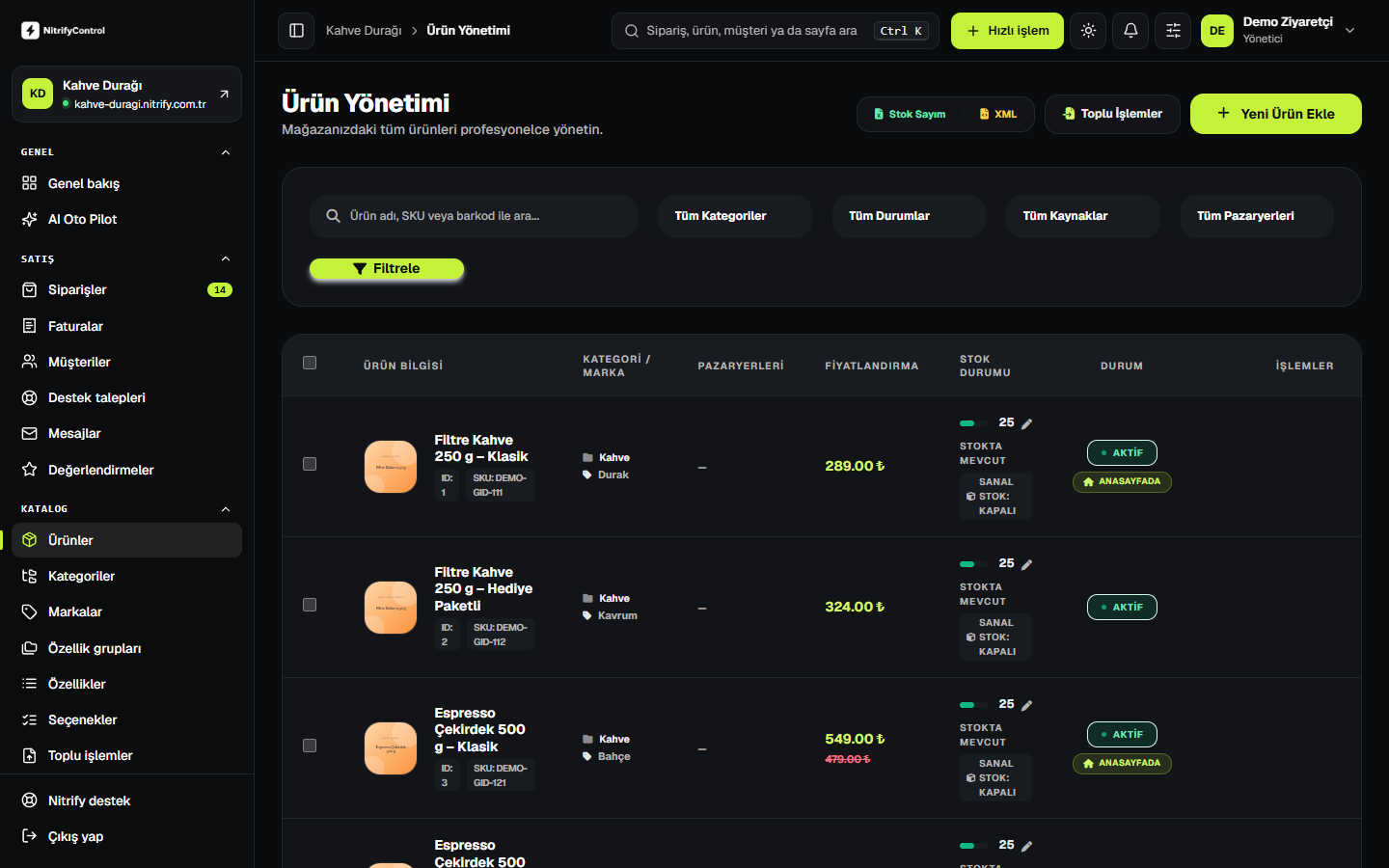
Connect in three steps
- 01
Open AI Autopilot
Create the connection from the AI Autopilot screen in your store panel.
- 02
Add it to your assistant
Set up your store connection in Claude, ChatGPT or your MCP-capable assistant.
- 03
Manage by talking
Write your product, order and report requests to your assistant.
About AI Autopilot
What exactly is AI Autopilot?
Which AI assistants does it work with?
Is it safe to give AI access to the panel?
Can AI write product descriptions?
Can AI Autopilot change themes or code?
Open your next store on NitrifyControl
Tell us what you need, and we will work out the right setup for your store or reseller business together.