Move your existing store without hurting SEO
Products, categories, images, customers and order history are moved to your new store; your old URLs are redirected with 301.
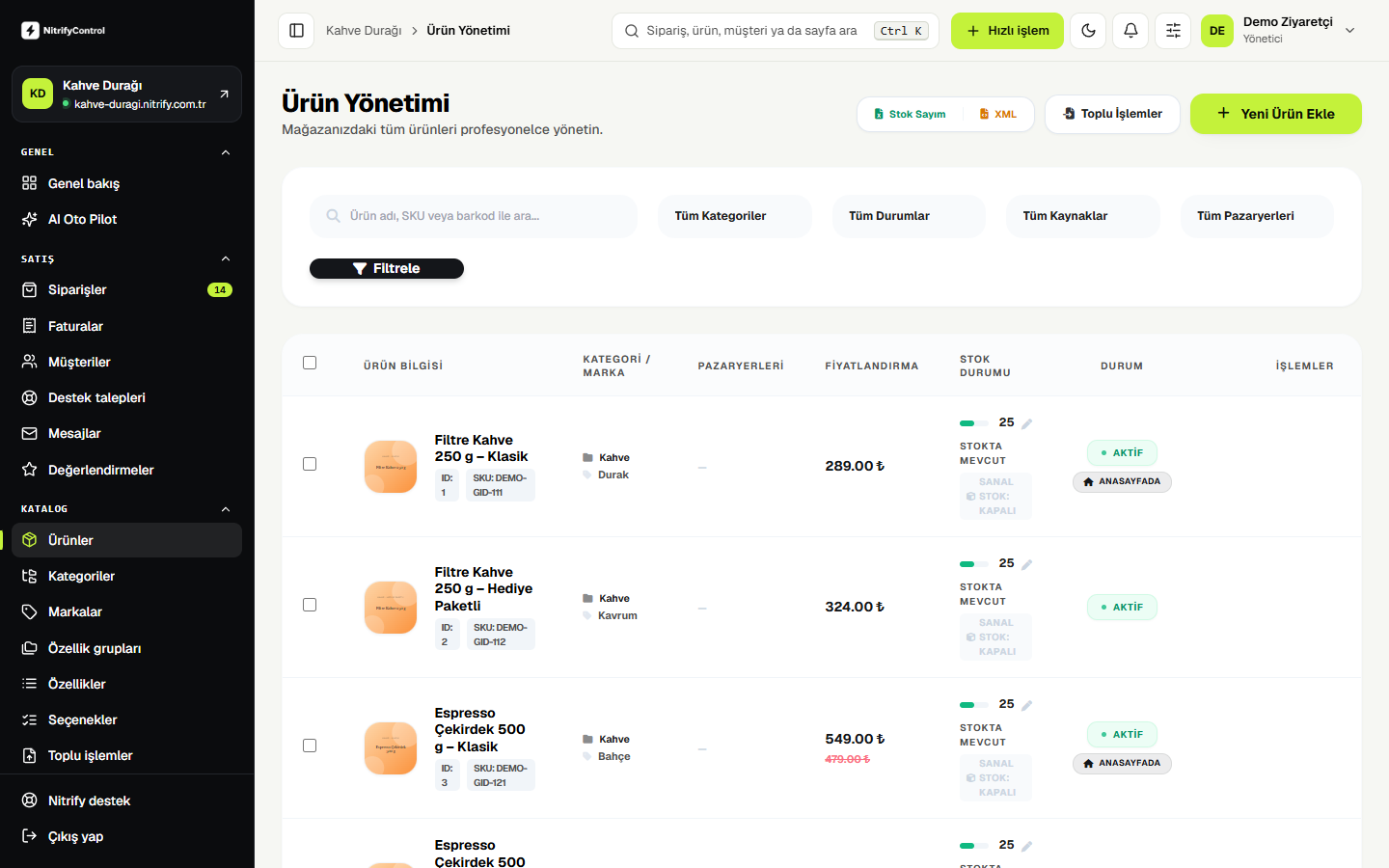
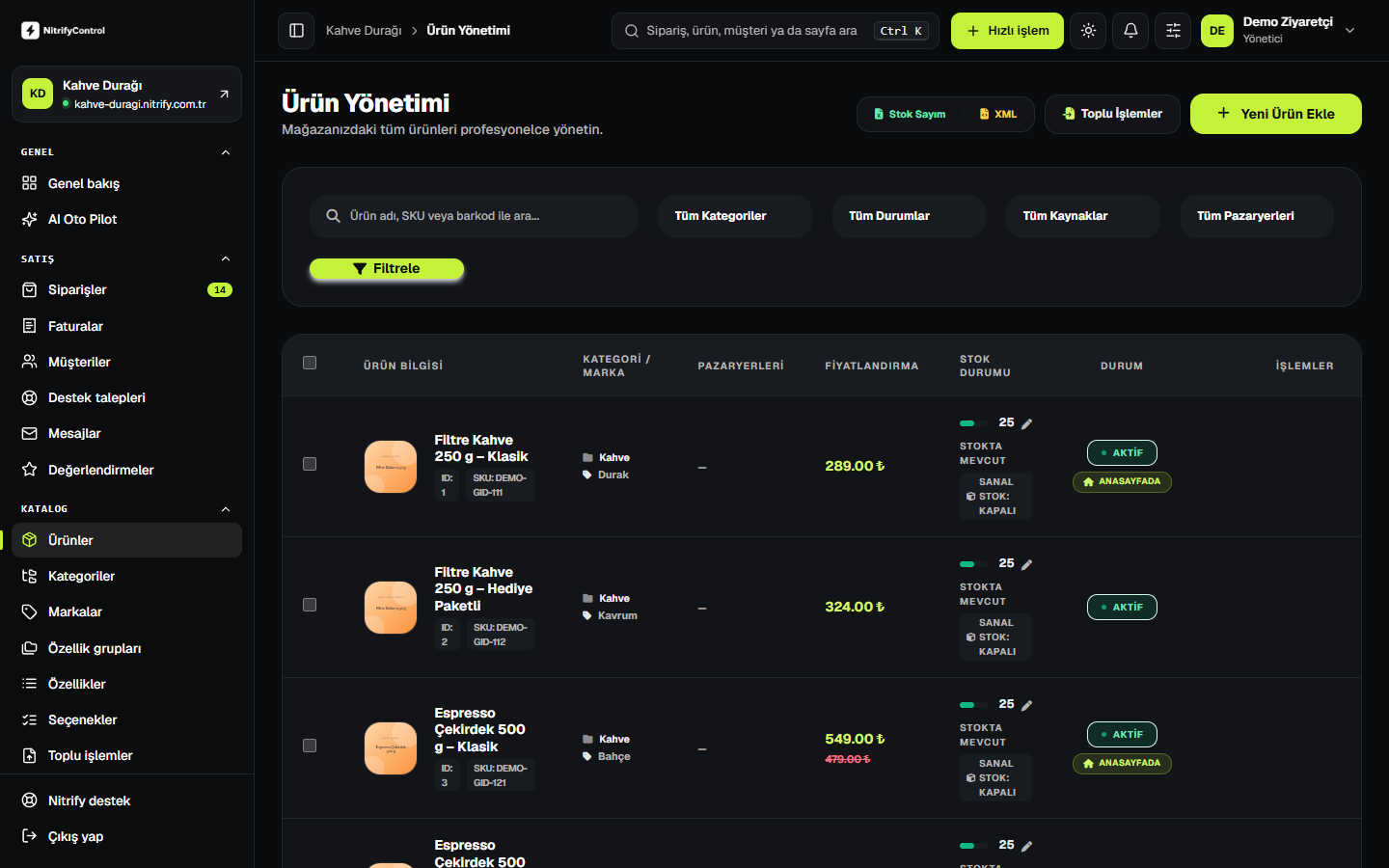
All of your data
Products and variants
Titles, descriptions, prices, stock, barcodes and variants.
Images
Product and category images, in order.
Categories
Category tree and descriptions.
Customers
Accounts and addresses (in line with KVKK).
Order history
Past orders, so your reports stay intact.
SEO redirects
Old URLs are redirected to the new pages with 301.
Migration in four steps
- 01
Request
We learn about your current platform and approximate product count.
- 02
Transfer
The Migration Wizard moves your data to the new store; we check it together.
- 03
Approval
We set the launch date together.
- 04
Launch
Your domain is connected and redirects are switched on; the old site stays live until the last moment.
Good to know
- The Migration Wizard moves stores from common platforms, including WooCommerce and OpenCart.
- Card details and passwords are not migrated; your customers set a new password at their first sign-in.
Migration request
Tell us your current platform and approximate product count; we'll get back to you with a migration plan.